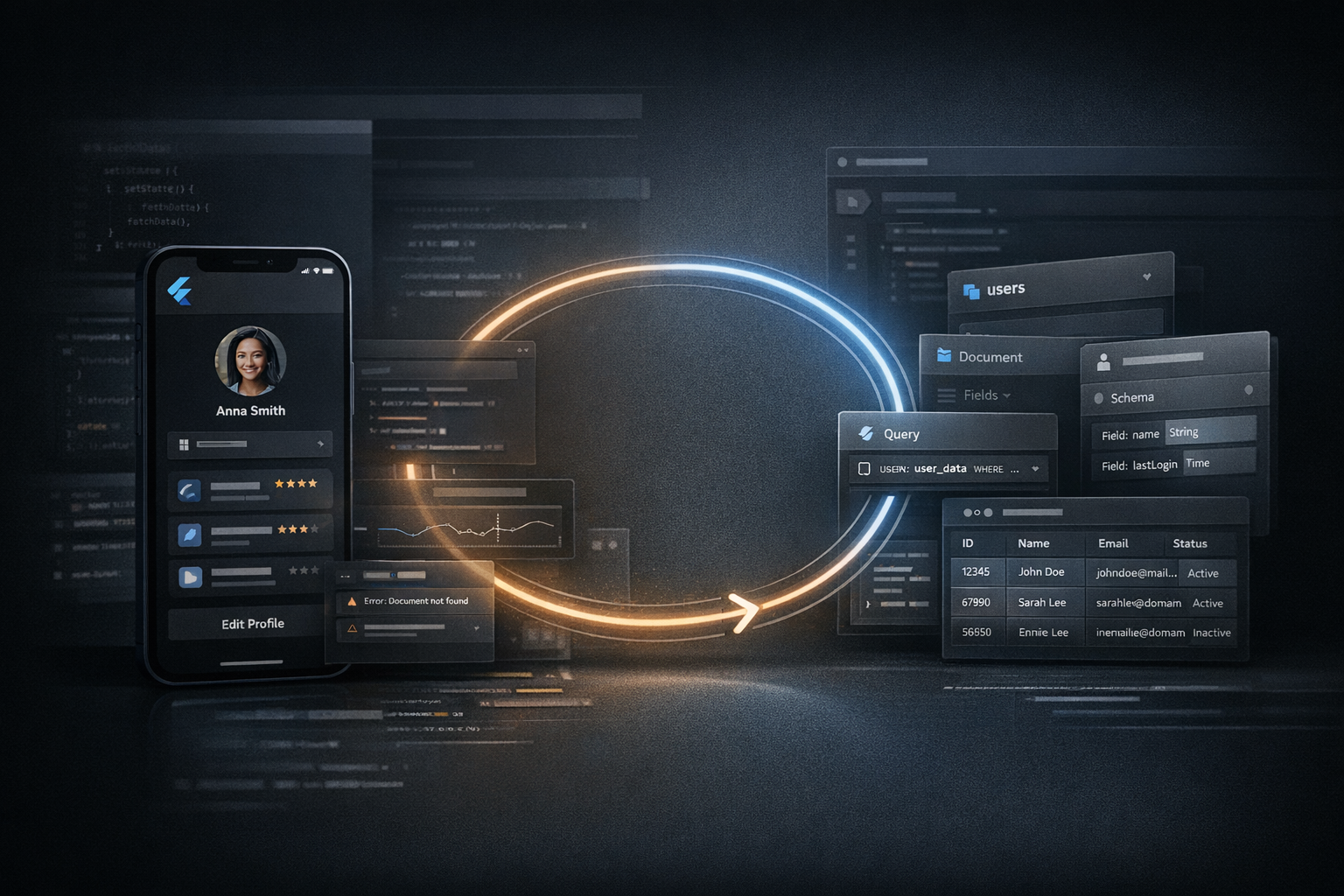
The practical issue is familiar: a Flutter screen renders the wrong state, a list appears empty, or a detail panel crashes on a missing field. In many teams, the first reaction is still to inspect the widget tree or patch frontend code based on assumptions. That helps up to a point, but it is often incomplete. If the visible behavior depends on a collection path, field shape, missing document, or outdated nested structure in Firestore, the debugging loop is only partially informed until the database is checked directly.
Summary
Recent Firebase and Flutter documentation continues to reinforce a simple point: Firestore is document-oriented, schema-light, and flexible, while Flutter debugging tools are built to help teams inspect widget trees, layout constraints and repaint behavior. Put together, that means UI debugging and database debugging are often the same task viewed from different layers. Nic Hyper Flow is relevant here because it can combine UI observation, code inspection and Firestore-aware tools such as firestore_get_schema_map and firestore_run_query in one reasoning loop instead of treating them as separate investigations.
What happened
Firebase documentation describes Firestore as a database of collections, documents, subcollections and flexible fields. That flexibility is useful, but it also means frontend expectations can drift from database reality over time. At the same time, Flutter DevTools emphasizes visual debugging through the Inspector, where teams examine widget trees, constraints, repaints and selected widgets on the running app. These are complementary views of the same bug. A screen that misbehaves may not be primarily a layout problem or primarily a backend problem; often it is a mismatch between what the UI expects and what the data actually contains.
Why it matters
The cost of debugging rises when each layer is checked by a different mental model. A developer may look at a widget error and assume state management is wrong. Another may inspect the query and assume the UI is failing to render valid data. In practice, both can be partly correct. Firestore’s own data model guidance notes that collections and documents can evolve flexibly, with nested maps and subcollections, while the best-practices guide warns about data-modeling and indexing choices that affect behavior at scale. If a team reasons only from the frontend, it can miss the actual shape of the stored data. If it reasons only from the database, it can miss how that data is interpreted or filtered in the UI.
A useful debugging loop does not stop at reproducing the symptom. It verifies whether the UI, the query path and the stored Firestore structure still describe the same application.
Full-context debugging is more reliable than isolated guessing
This is where a full-context workflow becomes practical rather than theoretical. A single loop can inspect the visible UI, review the frontend code path that builds a widget, and then validate the underlying Firestore collections, fields or sampled documents. With Nic Hyper Flow, that reasoning can connect browser-based or UI observation with repository code and Firestore tools in the same session. The result is not magic; it is simply less guesswork. Instead of asking “why is the card empty?” in the abstract, the workflow can ask more precise questions: is the widget expecting userName while Firestore stores displayName? Is the collection path different from what the screen assumes? Is the value absent only in one subcollection depth? Those are the kinds of checks that actually shorten debugging time.
Firebase’s best-practices documentation also underlines why this matters operationally. Sequential fields, index fanout, and collection design can shape performance and behavior in ways that the UI alone does not reveal. A debugging loop that sees only the screen misses constraints imposed by the data layer. A loop that sees the real schema and queried documents can reason with stronger evidence.
Flutter and Firestore examples where this helps
- Empty states that are not really empty: the Flutter list renders correctly, but the query points to a sibling collection path that no longer receives writes.
- Missing field crashes: the widget expects a nested map or timestamp that exists in older documents but not in newer ones.
- Visual bugs with data roots: a detail card overflows or collapses because the rendered text comes from an unexpectedly long Firestore value, which the Inspector can reveal on screen while Firestore inspection confirms the record shape.
- Status mismatches: the frontend filters on one enum-like value while actual documents use a renamed status string.
Flutter’s Inspector documentation is especially relevant here because it focuses on inspecting widgets, constraints, repaint behavior and field values on a running app. That is exactly the visible side of the loop. When paired with Firestore-aware checks, it becomes easier to separate rendering issues from data-shape issues and to identify the real seam between them.
Connection to Nic Hyper Flow
The Nic Hyper Flow angle is practical: debugging becomes more grounded when an agent can work across frontend reasoning and real backend context without switching to unsupported assumptions. In a Flutter and Firebase codebase, that means inspecting UI behavior, reading the relevant repository files, mapping the real Firestore structure, and running targeted read queries before proposing a fix. This is especially useful for frontend-backend mismatch detection, because many defects are not pure code defects. They are alignment defects between the widget tree, the expected payload and the data that was actually written.
In that sense, Firestore tools are not just database utilities. They give the debugging loop a source of truth. For teams that already rely on Flutter for the UI and Firestore for application data, that source of truth can reduce rework, avoid speculative patches and make AI assistance more credible.
Conclusion
For Flutter teams, frontend, Firestore and UI debugging are often one problem distributed across three surfaces. The more those surfaces are inspected together, the less time is spent chasing the wrong layer. The relevant lesson from the current Firebase and Flutter documentation is straightforward: Firestore data is flexible and hierarchical, and Flutter debugging is strongest when it is visual and concrete. Nic Hyper Flow’s value in this workflow is that it can keep those perspectives in the same reasoning loop and anchor debugging in the real state of the project.
Sources
- Firebase Documentation — Best practices for Cloud Firestore Read for guidance on document IDs, indexing, hotspots, scaling behavior and data-model tradeoffs.
- Firebase Documentation — Cloud Firestore data model Read for the collections, documents, maps and subcollections model that shapes real application data.
- Flutter Documentation — Use the Flutter Inspector Read for widget-tree inspection, constraints, repaint tracking and visual debugging in running Flutter apps.
Frequently Asked Questions
How does Nic Hyper Flow improve mobile debugging?
It allows developers to send screenshots directly from a phone to an AI agent that has full context of the repository, enabling faster diagnosis and code fixes.
Does it support Flutter hot reload?
Yes, Nic Hyper Flow is designed to work with Flutter's hot reload, allowing you to apply agent-generated fixes and see the results on your device instantly.