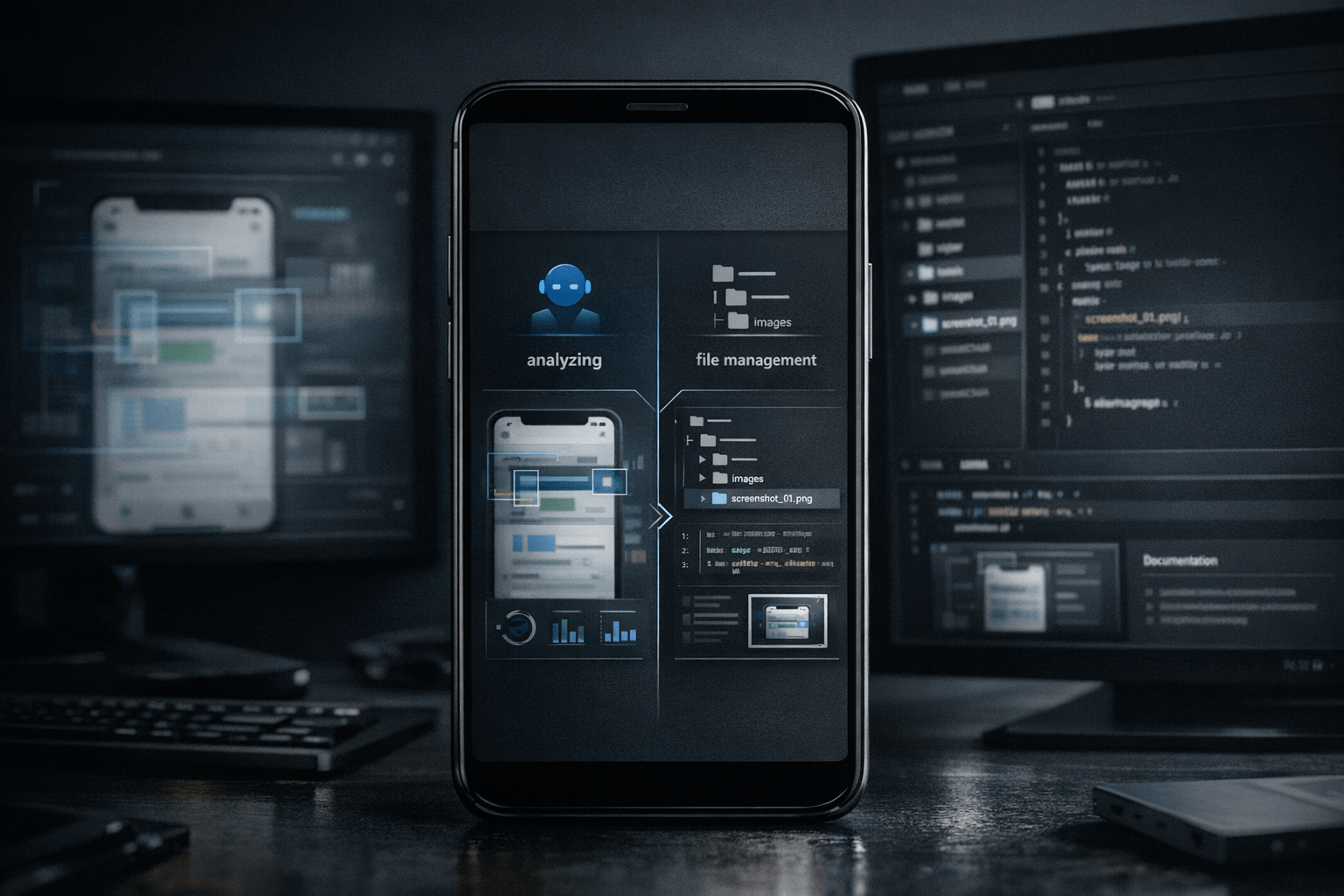
For development teams, screenshots are often ambiguous objects. Sometimes they are only there to answer a question such as “what is wrong with this screen?” or “does this dialog look aligned?”. In other cases, the same screenshot is not temporary at all: it belongs in documentation, issue tracking, design review, test references, or even in the application bundle itself. Nic Hyper Flow's mobile upload decision makes that difference explicit instead of treating every image as the same kind of attachment.
Summary
OpenAI's image and vision documentation describes images as inputs that a model can analyze through URLs, base64 payloads, or uploaded files. That is a good model for ephemeral analytical context: the image is supplied so the system can inspect it and reason about it. Flutter's asset documentation describes a different model entirely: assets are declared in pubspec.yaml, bundled with the app, and loaded by path through classes such as AssetImage. That is the logic of a project file, not a temporary attachment.
Nic Hyper Flow's mobile choice sits between those two realities. A screenshot can either stay in the reasoning loop only, or it can enter the repository as a reusable file that the agent and the codebase can reference later.
What happened
The relevant workflow is simple: from a phone, a user can send a screenshot into Nic Hyper Flow and decide whether the image is for agent analysis only or whether it should be saved as a repository asset. On the surface this looks like a small UI decision. In practice it changes how the system should treat the file, how durable the result should be, and what kinds of follow-up actions become possible.
If the screenshot is only needed to help the agent understand a bug, a layout issue, or a transient visual state, temporary context is enough. If the image is meant to support documentation, code references, design baselines, demos, markdown content, or application assets, then saving it into the repository is the better choice.
Why it matters
Many tools flatten both cases into a generic upload. That creates friction later. Teams lose time re-uploading the same screenshot, searching chat history for a file that should have become part of the project, or manually moving a useful image into the repository after the fact.
By separating temporary analysis from repository storage, Nic Hyper Flow improves decision quality. The image gets the lifecycle it actually needs. Temporary context can remain light and disposable. Repository assets can become traceable, reusable and available to the rest of the workflow.
The important question is not only “can the agent see this screenshot?” but also “should this image disappear after the reasoning step, or should it become part of the project?”
Temporary context vs repository file
A screenshot should stay temporary when the goal is narrow and short-lived. Typical examples include reporting a visual bug, asking the agent to identify a misplaced element, checking an error banner, or giving one-time context for a debugging decision. In those cases, the image functions like an observation. Once the agent has analyzed it and the immediate task is done, there may be no reason to preserve the file inside the repository.
A screenshot should become a repository asset when it gains continuing value. That includes release notes, internal documentation, issue reproductions that need stable references, examples used in markdown, visual regression baselines, design handoff material, and images that must be loaded by the app or site itself. A repository-backed file can be named, versioned, reviewed, committed, and referenced consistently.
This difference is especially important for technical teams because a tracked file can be used across tools. Once saved to the repo, an image can be referenced in HTML, markdown, JSON metadata, test fixtures, documentation pages, or application code. It stops being “the screenshot from that chat” and becomes a real project resource.
Flutter and visual workflows
Flutter makes the repository-backed case concrete. Its documentation explains that assets are declared in pubspec.yaml, bundled with the application, and then loaded by path at runtime. That means a visual file that enters the repo can become part of the actual product workflow rather than staying trapped in conversation history.
In a Flutter context, the repository choice matters when the screenshot evolves into a product asset, a documentation reference, or a reproducible visual artifact. A team might save a phone capture to compare states, attach it to internal guides, or use it as a stable reference while adjusting UI code. Because Flutter assets are path-based, the file can be treated as something the code and project structure understand directly.
That is why the mobile upload to repo angle is practical rather than cosmetic. The phone is not just a camera feeding chat. It becomes an input surface for the repository itself.
Connection to Nic Hyper Flow
Nic Hyper Flow is well suited to this distinction because the platform already treats agent work as part of a broader tool environment. A screenshot sent only for analysis helps the agent reason about a current task. A screenshot saved as an asset extends that value into the repository, where the file can support future code changes, articles, UI work, or documentation.
The mobile aspect matters because it removes a common break in the workflow. Teams often notice something on a phone first: a broken layout, a useful screen state, an onboarding step, a chart, a configuration page, or a visual artifact worth preserving. Allowing that capture to go directly either into temporary reasoning or into repository storage is a small decision with concrete consequences for how quickly work continues.
In that sense, Nic Hyper Flow is not just offering image upload. It is asking the more useful operational question at the right moment: is this screenshot temporary context, or is it repository material?
Conclusion
The distinction between sending a screenshot to the agent and saving it as a repository asset is ultimately a distinction about permanence, reuse and project intent. Temporary context is enough when the image only supports an immediate reasoning step. Repository storage is the right choice when the screenshot should remain available to code, documentation, reviews or future work.
Nic Hyper Flow's mobile choice matters because it turns that judgment into part of the workflow itself. For developers and teams working with Flutter, documentation and active repositories, that makes a phone capture more than a chat attachment. It becomes either short-lived evidence or a tracked project file, chosen deliberately.
Sources
The article draws on the following documentation pages read during preparation: